The Complete Guide to Building an OTT App in 2026: From Idea to Launch
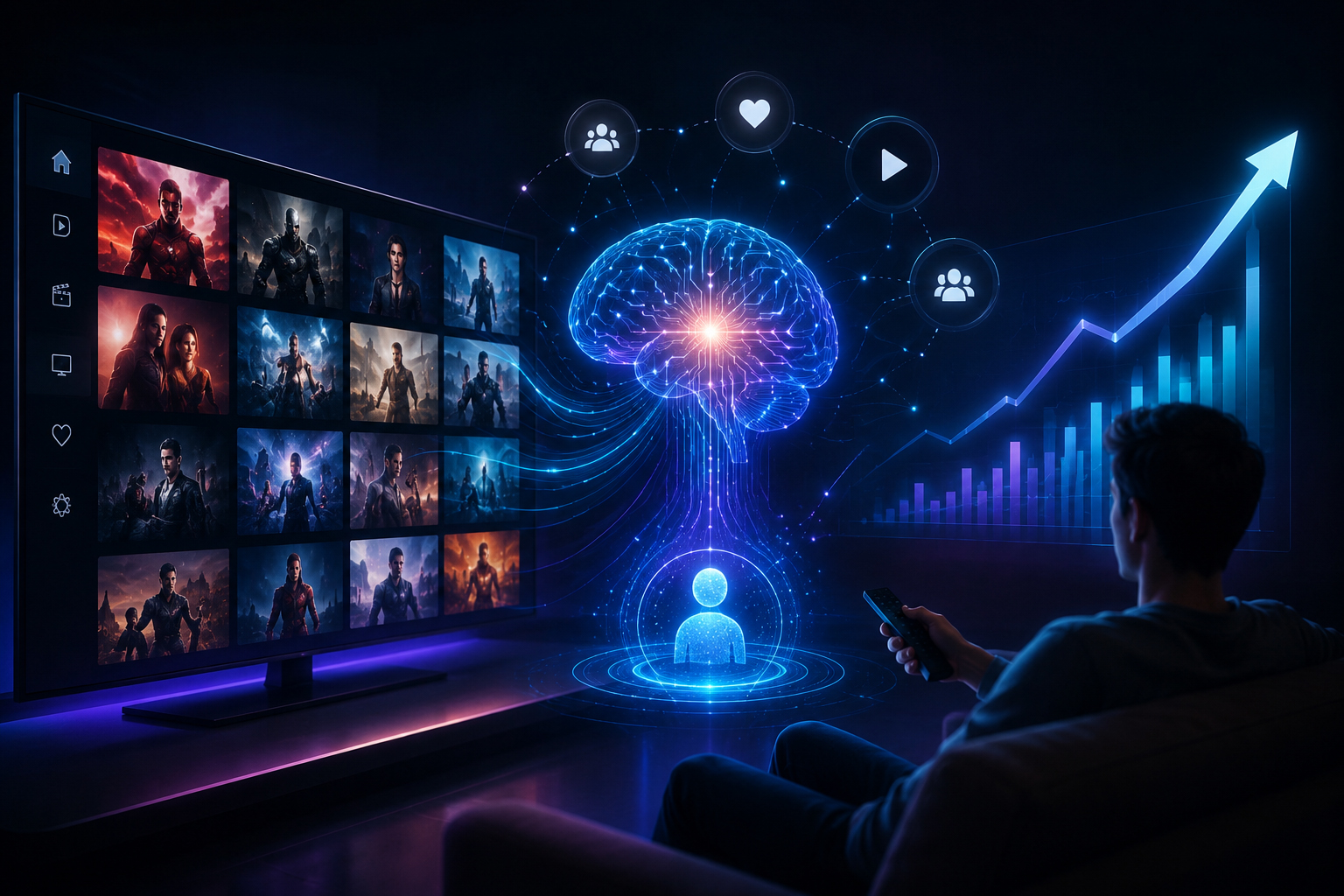
Streaming is one of the few markets big enough to be worth entering even when the giants already own it. The US OTT market alone reached an estimated $136.7 billion in 2026 and is projected to grow at over 11% a year through 2031 — and viewing habits have shifted for good: cord-cutting passed 46% of US internet households in 2025, with another 12% never having had cable at all. The audience is there, on every screen. What the headlines miss is where the room actually is: the giants are consolidating and fighting over “everything for everyone,” while viewers increasingly hold five or more apps. The opening for a new service isn’t beating Netflix — it’s owning a niche the giants serve poorly: a genre, a community, a language audience, an educational or fitness vertical.
But here’s the thing most guides on how to build an OTT app skip: an OTT app is not “a video app with a login.” The hard, expensive parts are invisible to the viewer — delivering video reliably to thousands of people at once, protecting that content, and picking a money model that actually adds up. Get those wrong and no amount of polish on the home screen will save it.
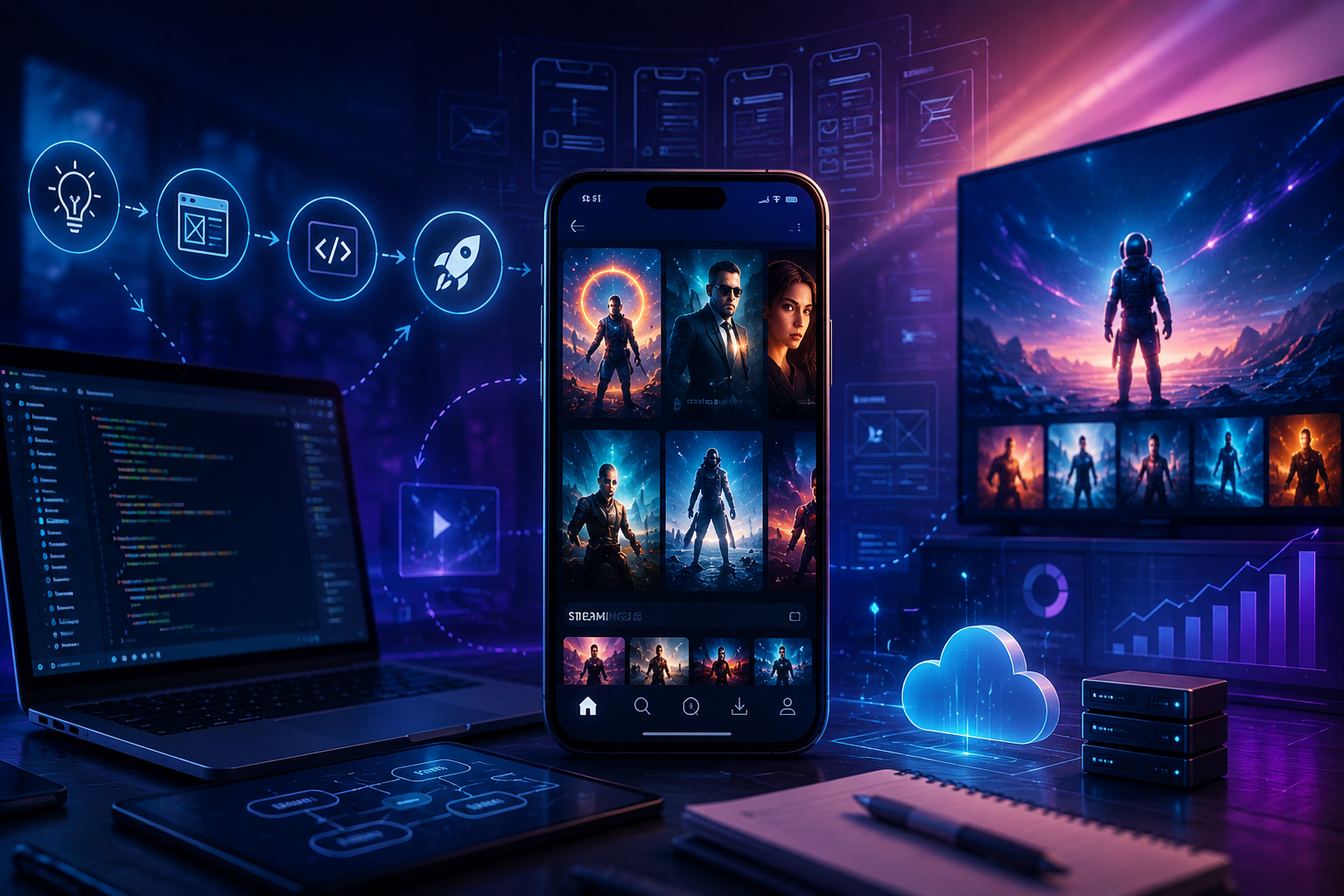
This guide walks through how to build an OTT app in 2026, step by step — the features, the streaming pipeline, digital rights management, how it scales, a realistic view of cost and timeline, and the mistakes that quietly sink projects. It’s written for the person planning the build, so it stays in plain language while staying honest about the engineering.
What is an OTT app, exactly?
OTT (“over-the-top”) means delivering video straight to viewers over the internet, bypassing cable and satellite. Netflix, Disney+, and YouTube are OTT; so is a regional film service or a fitness studio’s on-demand library.
Two content types sit under that umbrella, and they have very different engineering demands:
- VOD (video on demand) — a library viewers watch whenever they like. This is where most projects start, and it’s the more forgiving of the two.
- Live streaming — broadcasting in real time (sports, events, live TV). Much harder: you’re fighting latency and can’t re-do a moment that buffers.
And an OTT product usually has to reach three surfaces at once — mobile (Android and iOS), web, and the living-room TV (Android TV, Apple TV, Fire TV, Roku). In the US and Canada the living room isn’t optional: smart-TV penetration tops 88% of US households, smart TVs captured the largest share of US OTT viewing (around 40%), and Roku alone accounts for close to half of US connected-TV viewing hours — so which TV platforms you support is a launch decision, not a phase-two one. When we built Incredible Years, supporting mobile, desktop, and Android TV — with offline playback and subscriptions — was a core requirement from day one, not an afterthought, precisely because retrofitting a TV app onto a phone-only build is painful.
Decide your money model before you build a single screen
This is the OTT version of a rule that applies to every serious app: the business model shapes the architecture, so choose it first. There are four common approaches, and they lead to genuinely different products.
| Model | How you earn | Best for | The tradeoff |
|---|---|---|---|
| SVOD (subscription) | Recurring monthly/annual fee | Loyal, defined audiences with a steady content pipeline | You need enough fresh content to justify an ongoing payment |
| AVOD (ad-supported) | Advertising; free to the viewer | Large reach; free ad-supported streaming is booming in the US and Canada | Ad revenue only adds up with a big, engaged audience |
| TVOD (pay-per-view / rental) | Pay per title or event | Premium one-offs — a film release, a live event | Revenue is lumpy and tied to individual titles |
| Hybrid (freemium) | A mix — e.g. free with ads, or a paid ad-free tier | Flexibility and growth; this is the fastest-growing model in 2026 | More moving parts to build, bill, and manage |
Subscription (SVOD) remains the single largest model — it’s forecast to hold roughly half the market in 2026 — but in North America the fastest growth is in ad-supported and hybrid tiers, which are outpacing pure subscriptions as viewers tire of stacking monthly fees. That “subscription fatigue” is real: US churn is high enough that the majors fight it with bundles, annual plans, and exclusive sports. For a niche service, the practical lesson is to make cancelling feel unnecessary — a hybrid tier gives price-sensitive viewers somewhere to land instead of leaving. Pick the model that matches your content and audience, because it decides what you have to build: a subscription service needs billing, plans, and churn handling; an ad-supported one needs ad insertion and a much larger audience to work.
The core features a viewer expects
These are the table stakes — the parts users actually see and touch:
- Content management (a CMS) — how you upload films, add metadata, organise catalogues, and schedule releases without a developer for every change.
- Accounts, profiles, and watchlists — sign-in, multiple profiles per account, “continue watching,” and a personal list.
- Adaptive video playback — smooth streaming that adjusts quality to the viewer’s connection (more on why this is hard below).
- Offline downloads — letting users save content for flights, commutes, and dead zones. Viewers expect it because the majors offer it, and it’s technically non-trivial because downloads must stay protected.
- Search and recommendations — findability, and AI-driven suggestions that keep people watching; personalization is now an expectation, not a bonus.
- Monetization plumbing — subscription plans and payment gateways, or ad integration, depending on your model.
- Multi-device support — phone, tablet, web, and TV, ideally with playback that syncs across them.
- Analytics — what people watch, where they drop off, and how well video is actually playing.
The part people underestimate: the streaming pipeline
Here is the single biggest reason OTT costs more than a “normal” app: you cannot just upload an MP4 file and play it. Delivering video that plays instantly and doesn’t stutter for a viewer on patchy mobile data — anywhere in the country — is an engineering pipeline in itself.
In plain terms, every video goes through roughly this journey:
- Transcoding / encoding — your source file is converted into many versions at different quality levels and bitrates (from low-data to 4K).
- Packaging — those versions are prepared in streaming formats, chiefly HLS (used by Apple devices) and MPEG-DASH (used widely elsewhere).
- CDN delivery — the video is served from a content delivery network: servers spread around the world (and the country) so the stream comes from somewhere close to the viewer instead of one distant origin.
- Adaptive bitrate playback — the app’s video player automatically switches between quality levels in real time as the viewer’s connection changes, so it dips resolution instead of freezing.
Two consequences fall out of this that founders often discover late. First, the CDN and transcoding are an ongoing running cost, not a one-time build cost — you pay for bandwidth every time someone watches, so a hit show is also a bandwidth bill. Second, protecting the content requires DRM (digital rights management), and because each platform uses a different system, reaching every device means supporting several at once:
| Platform | DRM system required |
|---|---|
| Android, Chrome, Android TV | Google Widevine |
| iOS, Safari, Apple TV | Apple FairPlay |
| Windows, Edge, Xbox | Microsoft PlayReady |
This “multi-DRM” reality is also why offline downloads are harder than they look — a saved file still has to stay encrypted and licence-checked, not sit on the device as a plain video. It’s exactly the kind of detail that separates a working OTT product from a prototype, and a big reason this isn’t a build to hand to a generalist.
Scaling and reliability: the concurrency problem
An OTT app is one of the clearest cases of a principle worth stating plainly: scalability is decided in the architecture, before launch — not bolted on after you get popular. The moment a title takes off, you don’t have “more users” in the abstract; you have thousands of people pulling large video streams at the same second, plus a live event that can’t be allowed to buffer.
That means the decisions that keep the service standing under load — designing so servers can be added freely, keeping session and playback state out of individual servers, and planning CDN capacity and origin scaling ahead of demand — have to be made at the start. Getting this right is the difference between “add more capacity” and “the app falls over during your biggest moment.” We go deep on those foundations in our guide to what to plan before you build a scalable app, and it’s the same thinking we apply to server management on cloud infrastructure like AWS — because for streaming, the running architecture is the product.
The tech stack, without the jargon overload
You don’t need to choose the tools yourself, but it helps to know the moving parts your team will assemble:
- Video players — ExoPlayer on Android, AVPlayer on iOS, and web players built on HLS/DASH. Many teams use a commercial player SDK to handle DRM and analytics out of the box.
- Apps — the phone and web apps, plus separate builds for each TV platform you support (Android TV, Apple TV, Fire TV, Roku). Cross-platform frameworks can share code for phone and web, but TV apps are their own effort — budget for them.
- Backend — user accounts, the content catalogue, subscriptions/billing, and the APIs tying it together.
- Streaming infrastructure — a transcoding/encoding service, a CDN, and multi-DRM licensing.
- Payments — subscription and payment-gateway integration for SVOD/TVOD, or an ad-serving stack for AVOD.
The headline for planning: each TV platform is effectively another app to build and maintain. Deciding early which screens you truly need at launch is one of the biggest levers on both cost and timeline.
How much does it cost, and how long does it take?
Honest answer: it depends heavily on scope, and anyone quoting a single number without asking about yours is guessing. What actually moves the figure is the number of platforms (phone only vs phone + web + several TV apps), VOD versus live, your monetization model, and how much custom design and recommendation intelligence you want. As a rough shape:
- A focused MVP — one or two platforms, VOD only, a clean subscription or ad model, standard streaming and DRM — is the sensible way to launch and learn, typically over a few months.
- A mid-tier product — phone, web, and one TV platform, with solid recommendations and offline downloads — is a larger build.
- A full multi-platform service — every screen, live plus VOD, hybrid monetization — is a substantial, ongoing engineering programme.
And remember the cost that doesn’t stop at launch: streaming has real running costs — CDN bandwidth, transcoding, DRM licensing, and hosting — that scale with how much people watch. Budget for the service, not just the build. For a real number, the only reliable path is a scoped estimate against your actual plan; that’s what our discovery process exists to produce.
Common mistakes that sink OTT projects
- Trying to clone Netflix. You won’t out-catalogue a company spending billions on content. Winning OTT products own a niche — a region, a language, a genre, a community — not “everything.”
- Ignoring bandwidth economics. Treating CDN and transcoding as an afterthought turns a popular launch into an unaffordable one. Model the running cost early.
- Skipping DRM or licensing. Unprotected content and unclear rights are existential risks, not details to sort out later.
- Underestimating TV apps. “Also on TV” is several more builds. Decide which screens matter at launch.
- Building for scale you don’t have yet — or ignoring it entirely. Both extremes hurt. Design the architecture so it can scale, launch lean, and add capacity when real demand arrives.
- No analytics. Without watch-time and quality-of-playback data, you’re flying blind on the two things that decide OTT success: what people watch and whether it plays well.
How to build an OTT app: the short version
- Pick a niche and a monetization model (SVOD, AVOD, TVOD, or hybrid) before anything is built.
- Decide which screens you truly need at launch — phone, web, and which TV platforms.
- Plan the streaming pipeline (transcoding, CDN, adaptive playback) and multi-DRM from the start.
- Design the architecture to scale for concurrency before you’re popular, not after.
- Budget for ongoing running costs, not just the build.
- Launch a focused MVP, measure watch-time and playback quality, then expand.
Frequently Asked Questions
OTT ("over-the-top") is the delivery method — streaming video to viewers over the internet instead of cable or satellite. VOD (video on demand) is one type of content within OTT: a library you watch whenever you like, as opposed to live streaming. Most OTT apps start with VOD.
SVOD (subscription video on demand) earns a recurring fee from viewers, like Netflix. AVOD (advertising video on demand) is free to the viewer and earns money from ads, like much of YouTube. SVOD is the largest model; hybrid approaches that mix subscriptions and ads are growing fastest.
For any content you don't want freely copied, yes. Because each platform uses a different DRM system — Widevine for Android and Chrome, FairPlay for Apple, PlayReady for Windows — reaching all devices means supporting several. DRM also underpins secure offline downloads.
Not as a single build. Cross-platform frameworks can share a lot of code between Android, iOS, and web, but each TV platform (Android TV, Apple TV, Fire TV, Roku) is effectively a separate app to build and maintain. Decide which screens you need at launch, since each one adds cost and time.
It depends on scope — the number of platforms, VOD versus live, your monetization model, and design complexity. A focused single-platform VOD MVP is far cheaper than a full multi-platform live-plus-VOD service. Just as important, streaming carries ongoing running costs (CDN bandwidth, transcoding, DRM) that grow with viewership, so budget for the service, not only the build.
You don't run the physical hardware, but your app relies on a CDN and cloud infrastructure to deliver video close to each viewer. Those are ongoing operational costs, and planning CDN capacity and scalable architecture in advance is what keeps the service stable when a title gets popular.